
The decentralised exchange (DEX) market has grown at an extraordinary pace, with spot trading volumes on leading platforms rising to $876.3 billion, and perpetual contracts surging to $898 billion in trading volume during the quarter.. This growth highlights how integral DEXs have become to modern crypto trading. At the same time, it has introduced complexity. As you explore different exchanges, you will notice that each one comes with its own interface, fee structure, liquidity model, and order types. Selecting where to trade is not just about choosing a chart or a token. The exchange you use directly affects your trading outcomes, especially if you rely on perpetual contracts. Liquidity depth, execution speed, and advanced order functionality are not optional extras as they are vital to your ability to trade effectively. For this reason, you must take the time to examine exchanges closely before committing your capital.
Key point: Aster DEX airdrop is still ongoing, claim your share by signing up and making first trades.

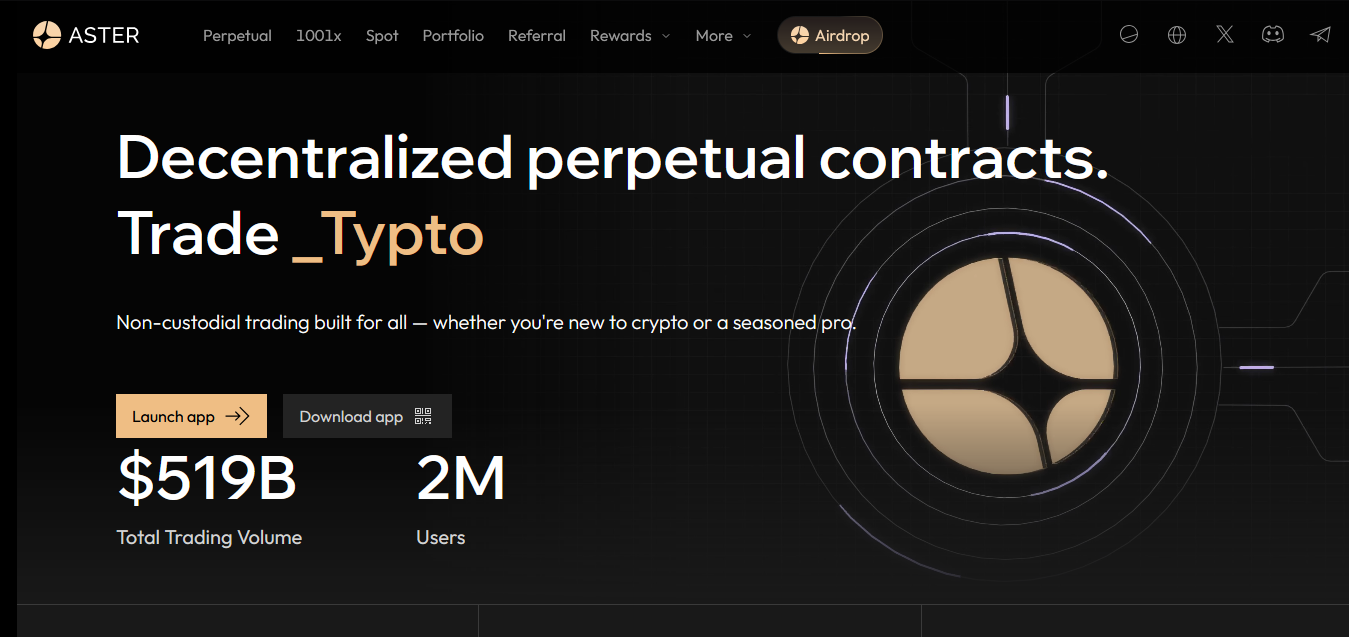
This is why we explore Aster DEX, which is positioned as a direct competitor to platforms like Hyperliquid. The platform is gaining attention for its liquidity, features, and user experience, but interest alone is not enough. You need to know exactly how to start trading on Aster if you want to take advantage of what it offers. This guide will walk you through the entire process of trading on Aster DEX in clear, simple terms. Let’s get started.

Why Consider Trading on Aster DEX?
- Access to High Leverage
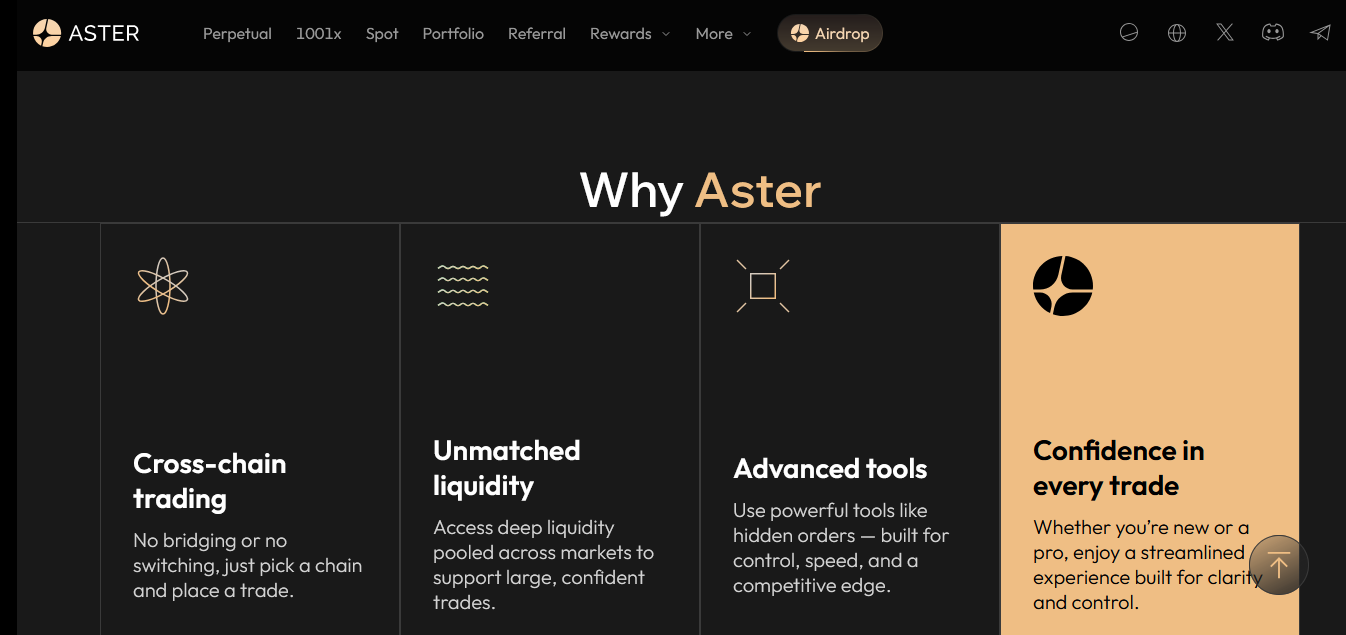
Aster provides leverage of up to 1001× on selected pairs, which is higher than what most decentralised exchanges currently offer. - Flexible Trading Modes
You can choose between Simple Mode, designed for quick and straightforward execution, and Pro Mode, which offers advanced tools. - Competitive Fee Structure
Trading on Aster DEX comes with some of the lowest fees in the market, and a tiered VIP program that provides further discounts for high-volume traders. - Hidden Order Functionality
It supports hidden orders that help users reduce slippage, protect their trading strategy from exposure, and minimise the risk of front-running in volatile conditions. - Multi-Chain Liquidity and Broad Support
By aggregating liquidity across multiple blockchains, including BNB Chain and Arbitrum, the platform ensures deeper liquidity and more efficient price execution. This approach reduces the need for constant bridging and provides a smoother trading experience.
What Types of Trading Does Aster Exchange Offer?
- Perpetual Contracts (Perps)
You can trade perpetual contracts, which allow you to speculate on the price of assets without owning them directly. Aster supports crypto perpetuals as well as stock perpetuals, giving exposure to U.S. equities 24/7. These contracts also allow users access to leverage, meaning you can control larger positions with a smaller amount of capital. - Spot Trading
In spot trading, users buy or sell the actual asset and take full ownership of it. For example, if you buy a token in the spot market, you hold it in your wallet until you choose to sell. This is the most direct way to trade on Aster. - Trading Modes: Simple Mode and Pro Mode
Simple Mode: In this mode, trades are executed against a shared liquidity pool with no slippage, making it easy to place orders with just one click.
Pro Mode: It's built for advanced traders who want more control. This mode provides an order book interface, access to advanced features like grid trading and hidden orders, and greater flexibility when placing trades. - Grid Trading
Grid trading is an automated strategy available in Pro Mode. Here, you set price levels in advance, and the system automatically buys when the price drops and sells when the price rises. This strategy is useful if you want to profit from regular market fluctuations without constantly monitoring the market. - Degen Trading Mode
Degen Mode on Aster offers ultra-high leverage trading, reaching up to 1001× on select pairs. It eliminates opening fees and reduces slippage, but applies dynamic closing fees. This mode is designed exclusively for highly speculative, short-term trading strategies. - Dumb Trading Mode
This mode allows you to forecast short-term price movements within fixed time windows (e.g., 5–60 minutes). You simply choose long or short, and your position settles at expiry. No opening fees apply, though a fee is deducted from profitable trades. - Margin Modes / Position Risk Modes
Aster supports Single-Asset and Multi-Asset margin modes. Single-Asset isolates risk to one collateral, protecting other positions, while Multi-Asset shares margin across multiple holdings, enhancing capital efficiency but increasing portfolio-wide exposure if markets move unfavorably.
Aster Pro Trading Mode and 1001x: What’s the Difference?
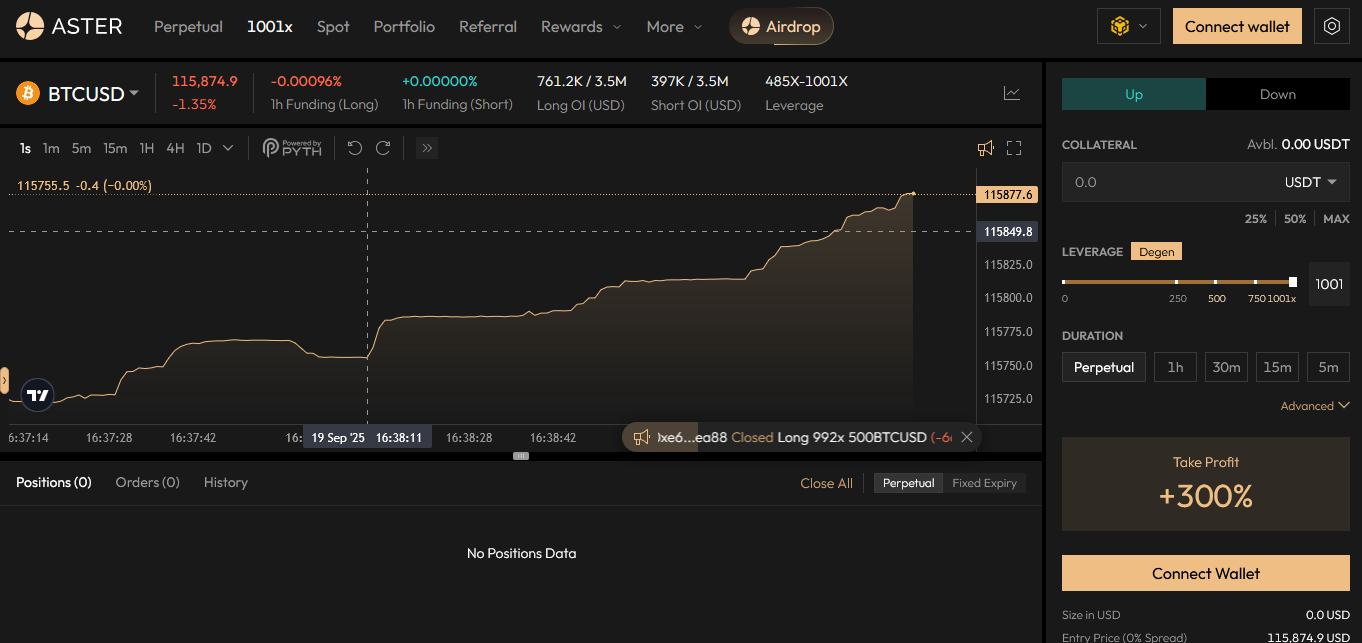
On Aster DEX, users will encounter two distinct trading environments: Aster Pro Trading Mode and 1001x. While both are designed for perpetual trading, they serve very different purposes.
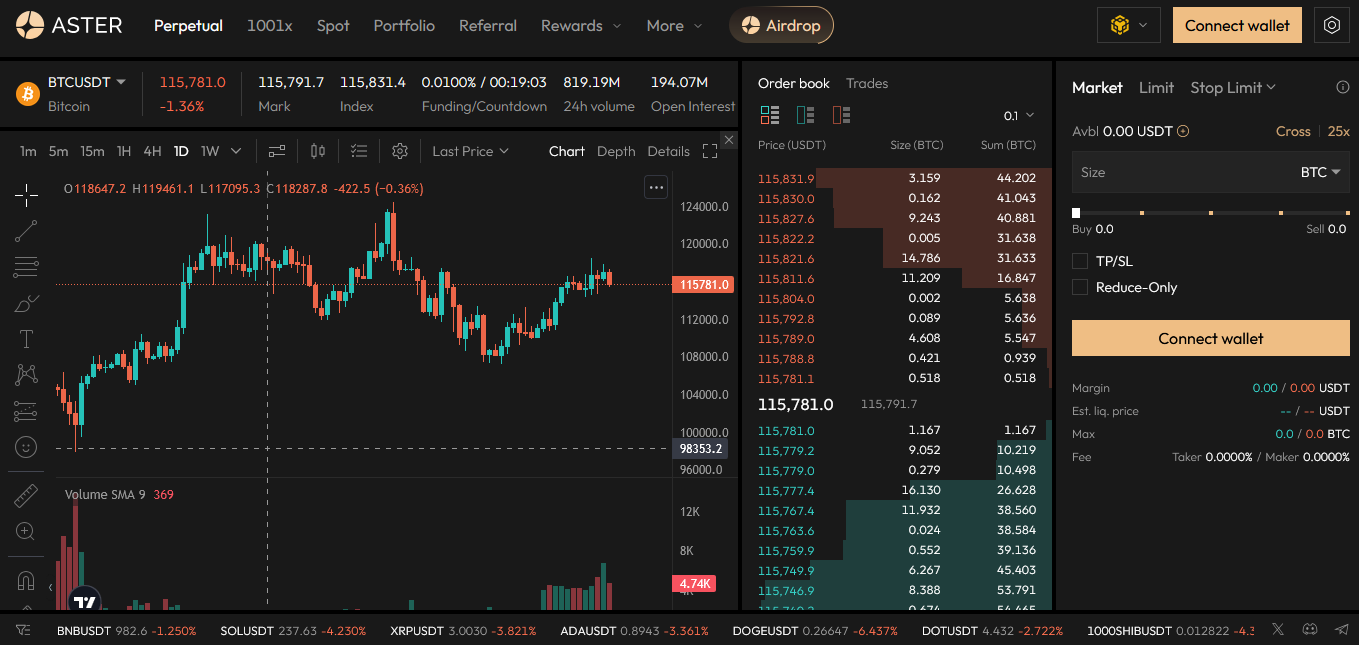
Aster Pro Trading Mode is built for traders who require a comprehensive, professional-grade interface. In this environment, users have access to advanced order types, detailed charting tools, and customisable settings that allow them to fine-tune their strategy. It is also created to provide greater precision and control, making it well-suited for structured, strategy-driven trading.
On the other hand, 1001x focuses on leverage and speed. It offers access to extremely high leverage levels, up to 1001x, letting users to open significantly larger positions relative to their capital. This creates the potential for amplified gains but also comes with equally amplified risk, as even small market movements can result in rapid liquidation.
The distinction between the two modes is straightforward. Traders seeking advanced tools, professional-grade functionality, and greater precision in execution will find Aster Pro to be the more suitable environment. In the same vein, those prioritising high-leverage opportunities and willing to assume the significant risks associated with extreme volatility may opt for 1001x.
7 Steps to Start Trading on Aster DEX
- Access the Aster DEX platform
Visit the platform’s website or locate the app through your wallet. Once you are on the homepage, click “Launch App” or “Trade Now” to begin. - Connect your wallet
From the dropdown menu, select the blockchain network you want to trade on, then connect your wallet. Aster supports both MetaMask Wallet and Binance Wallet extensions. You can also use “WalletConnect” to connect dozens of other Web3 wallets. - Sign the connection request
You will receive a sign message request in your wallet, so confirm the signature. Once completed, your wallet will be connected. If you are connecting through BNB Chain, you must hold at least 0.001 BNB to cover gas fees. - Make a deposit
Click “deposit” and choose the network, token, and amount you would like to transfer. Approve the transaction in your wallet. Within a few minutes, your updated balance will appear in your portfolio. - Manage withdrawals and rebalancing
When you want to move funds back to your wallet, click “withdraw”, select the network, token, and amount, then approve the transfer in your wallet. Your funds will appear shortly. If you have a negative balance caused by trading losses, fees, or commissions, you must resolve it before withdrawing. You can either deposit the exact token amount or click “rebalance” on the withdrawal screen for the affected token. On Aster Pro, the settlement asset is USDT. - Set up leverage, margin, and asset mode
Before placing trades, adjust your leverage and margin preferences to match your strategy. Aster also allows you to select an asset mode, which determines how margin is shared across your positions. This gives you flexibility in risk management. - Choose an order type and manage your position
Finally, decide how you want to place your trade by selecting an order type (such as market or limit order). Once your trade is live, you can monitor and manage your position directly from the trading dashboard, adjusting or closing it as needed.
FAQs
Does Aster DEX require KYC for Trading?
Aster DEX does not require KYC (Know Your Customer) verification to begin trading. Users can connect a supported wallet and start executing transactions directly without submitting personal identification documents. This non-custodial approach allows you to maintain privacy while retaining full control of your assets. However, it also means that you bear sole responsibility for security and compliance when you choose to trade crypto on Aster.
What are the Fee Rates on Aster?
Aster DEX applies a competitive transaction fee structure tailored to benefit both casual and high-volume traders. The taker fee is set at 0.035%, while makers enjoy significantly lower charges at 0.01%. In addition, participants who qualify for its tiered VIP program gain access to further reductions, ensuring that frequent traders can reduce costs and improve long-term trading efficiency.
Does Aster really allow 1000x Leverage for BTC and ETH Pairs?
Aster DEX permits trading with up to 1001× exposure on selected BTC and ETH contracts, which let participants control positions far larger than their deposited collateral, magnifying both profit potential and the likelihood of rapid liquidation. While it offers extraordinary opportunities for aggressive traders, it equally demands strict risk management, as minor price swings can wipe out entire balances instantly.
What Crypto Wallets does Aster Support?
Aster DEX supports MetaMask and Binance Wallet browser extensions, along with various additional Web3 wallets through WalletConnect integration. This broad compatibility provides traders with the flexibility to connect using either popular browser-based solutions or alternative mobile and hardware-backed wallets.
Conclusion
Learning how to start trading on Aster goes beyond exploring its features. With speed, liquidity depth, and precise tools for both spot and perpetual trading, it equips you to manage risk, refine execution, and build consistent strategies that rival established platforms like Hyperliquid.